The browser with anime soul.
Light, buttery-smooth and gloriously animated. Opera's sidebar & workspaces meet Firefox's privacy & containers — with a new tab that wallpapers itself from your own watched list.
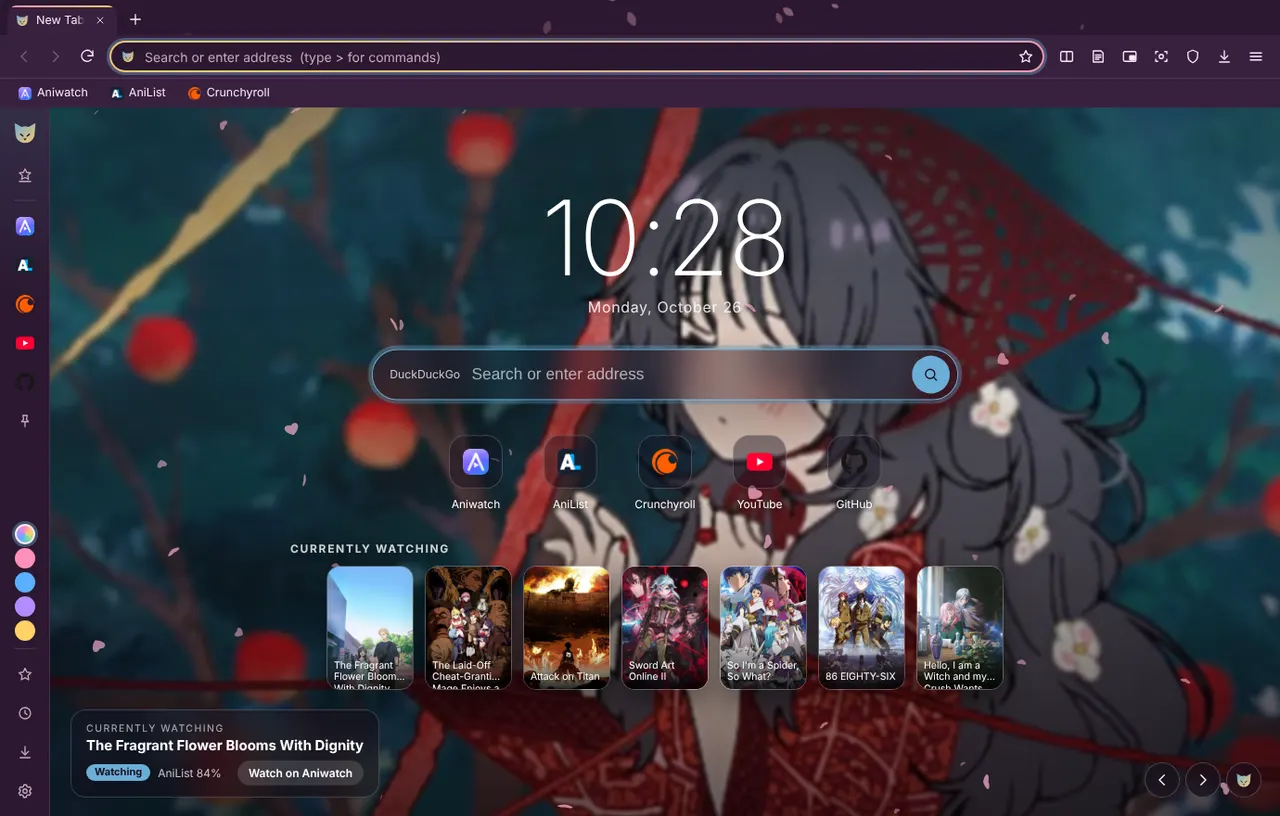
Pick your flavour
Full installs like a normal app and has everything. Lite runs straight from the file — no install, profile stays beside it.
Packed with good stuff
>), pinned sites, picture-in-picture, reader view.A look inside
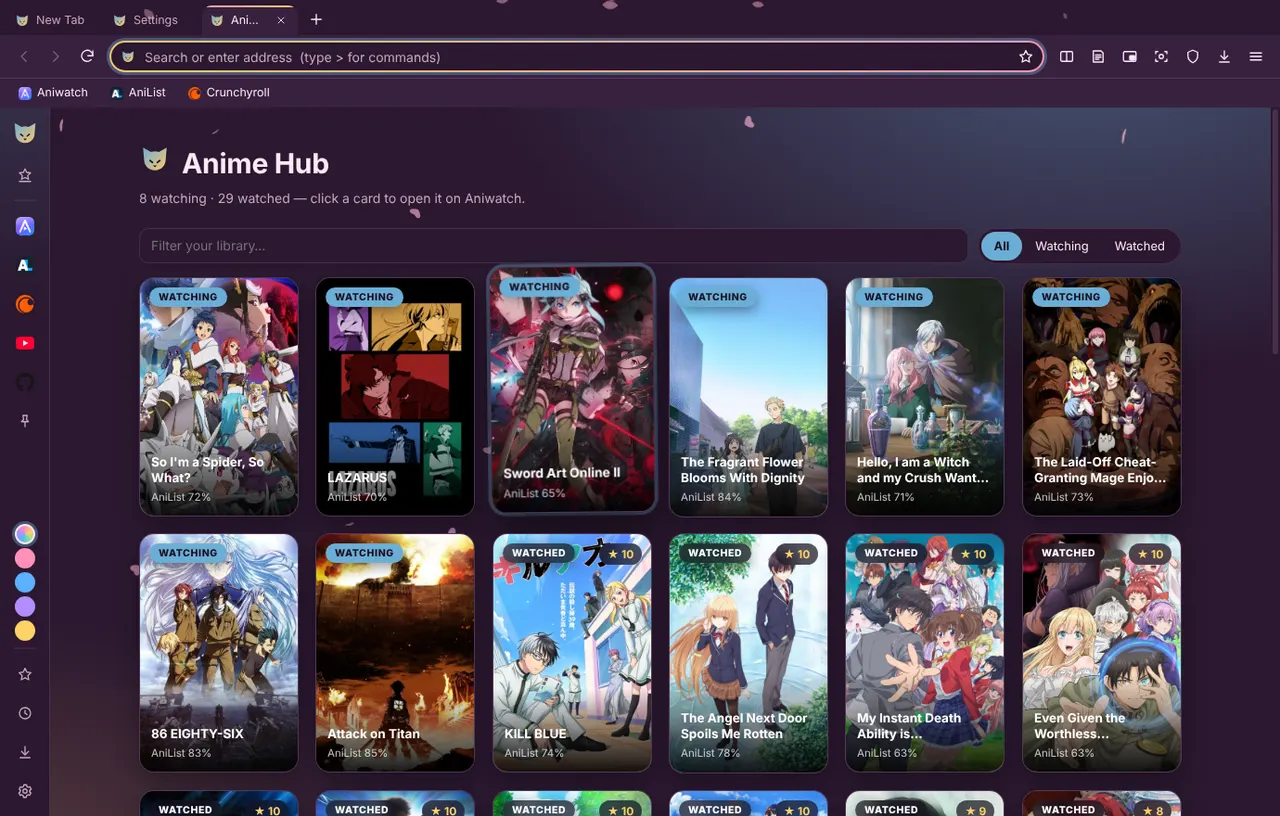
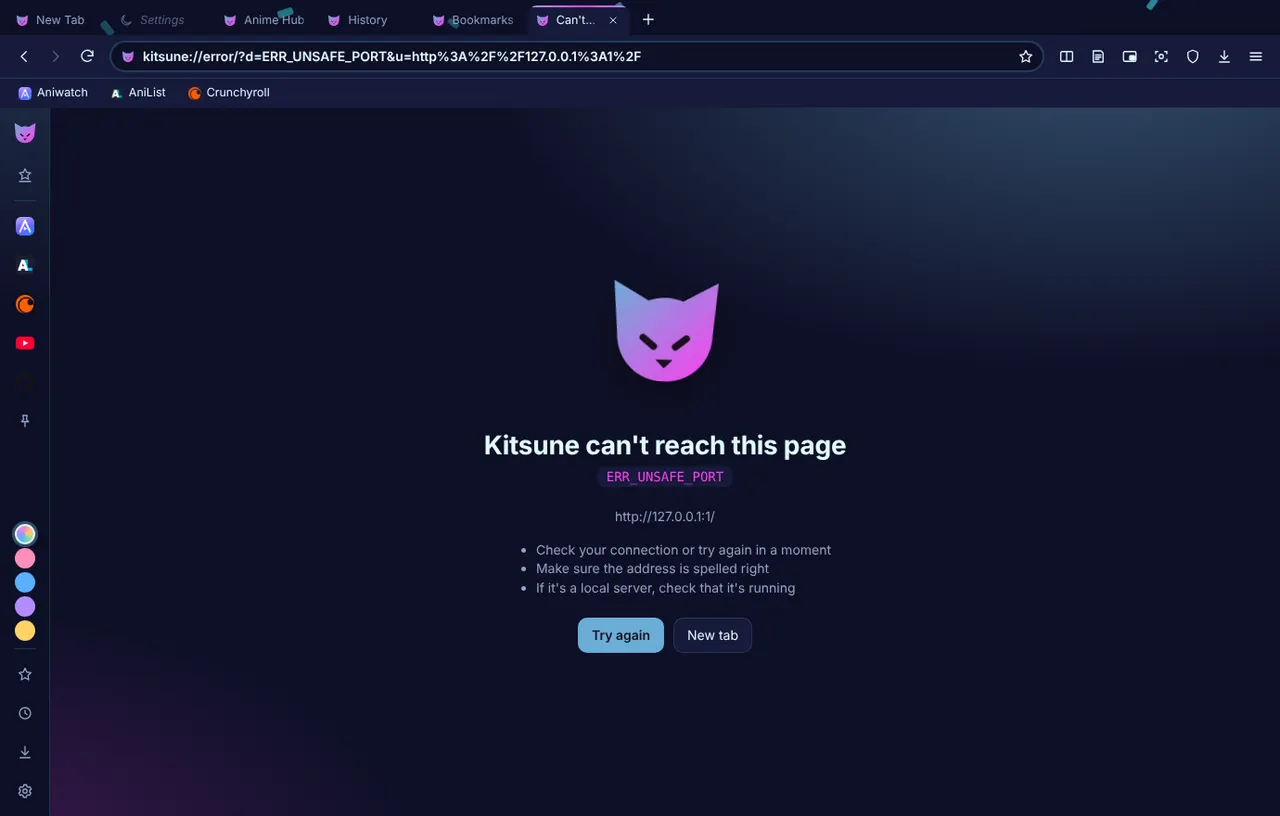
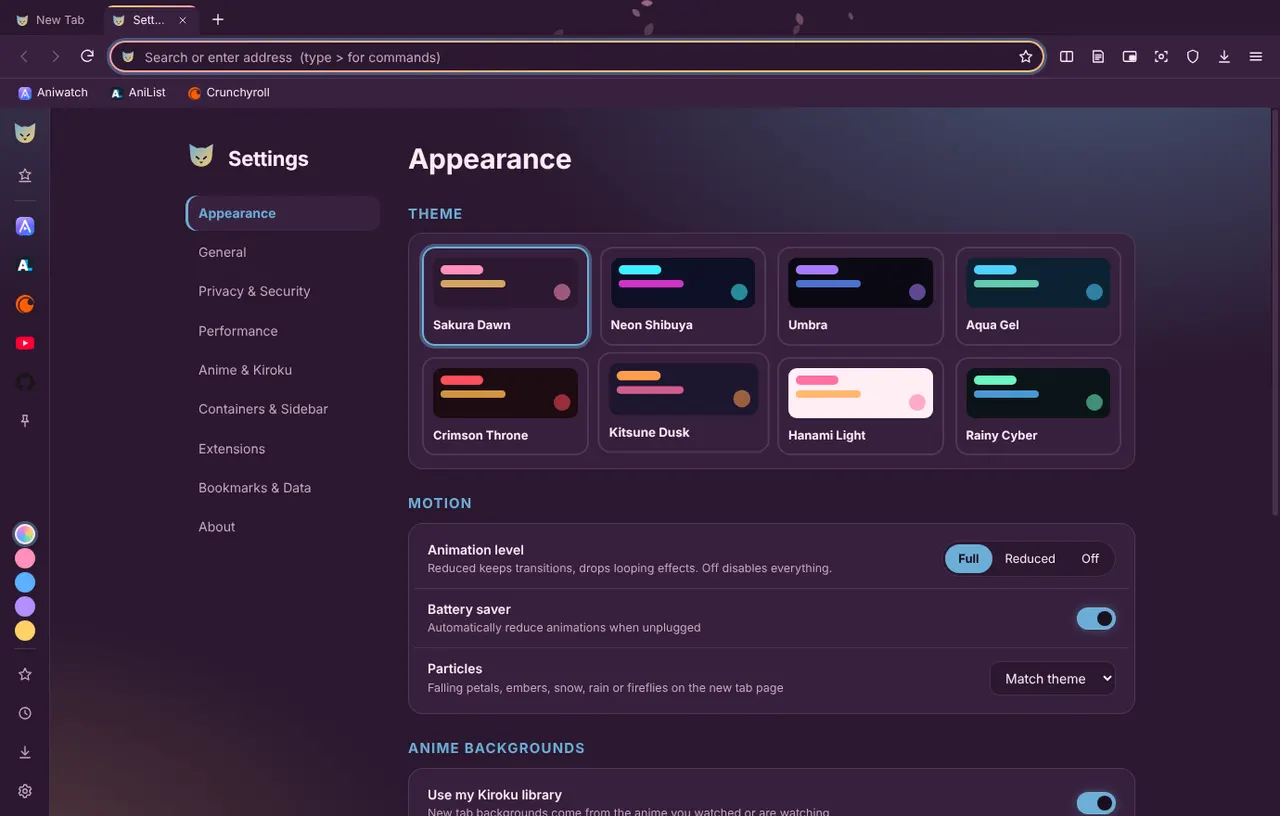
Full vs Lite
| Full | Lite | |
|---|---|---|
| Install | Installer / Applications | None — run from the file |
| Profile | Normal user profile | KitsuneData folder next to it |
| Themes | All 8 | Sakura, Umbra, Hanami |
| Sidebar, workspaces, containers, split view | ✓ | — |
| Extensions (unpacked) | ✓ | — |
| Particles & heavy effects | ✓ | — |
| Anime wallpapers, tracker blocking, HTTPS-only | ✓ | ✓ |
FAQ
Windows says "unknown publisher"
Builds aren't code-signed yet. Click More info → Run anyway.
macOS says the app can't be opened
Builds aren't notarized yet. Right-click the app → Open → Open, or run xattr -dr com.apple.quarantine /path/to/Kitsune.app.
How do I install the Windows Full zip?
Unzip, then double-click Install.bat. It installs per-user (no admin), adds shortcuts and an Add/Remove Programs entry.
Does Netflix / Disney+ work?
Protected-video (Widevine DRM) isn't included, so those services won't play. Anime sites, YouTube and most of the web work fine.
Which Mac do I need?
Apple silicon (M1 and newer) → arm64. Older Intel Macs → x64.